Chrome Extension · Productivity · Free

Stop pretending
you'll close
that tab.

A Chrome extension that blocks distracting sites so you don't have to rely on willpower.

Add to Chrome — It's Free No account needed. Works in 30 seconds.
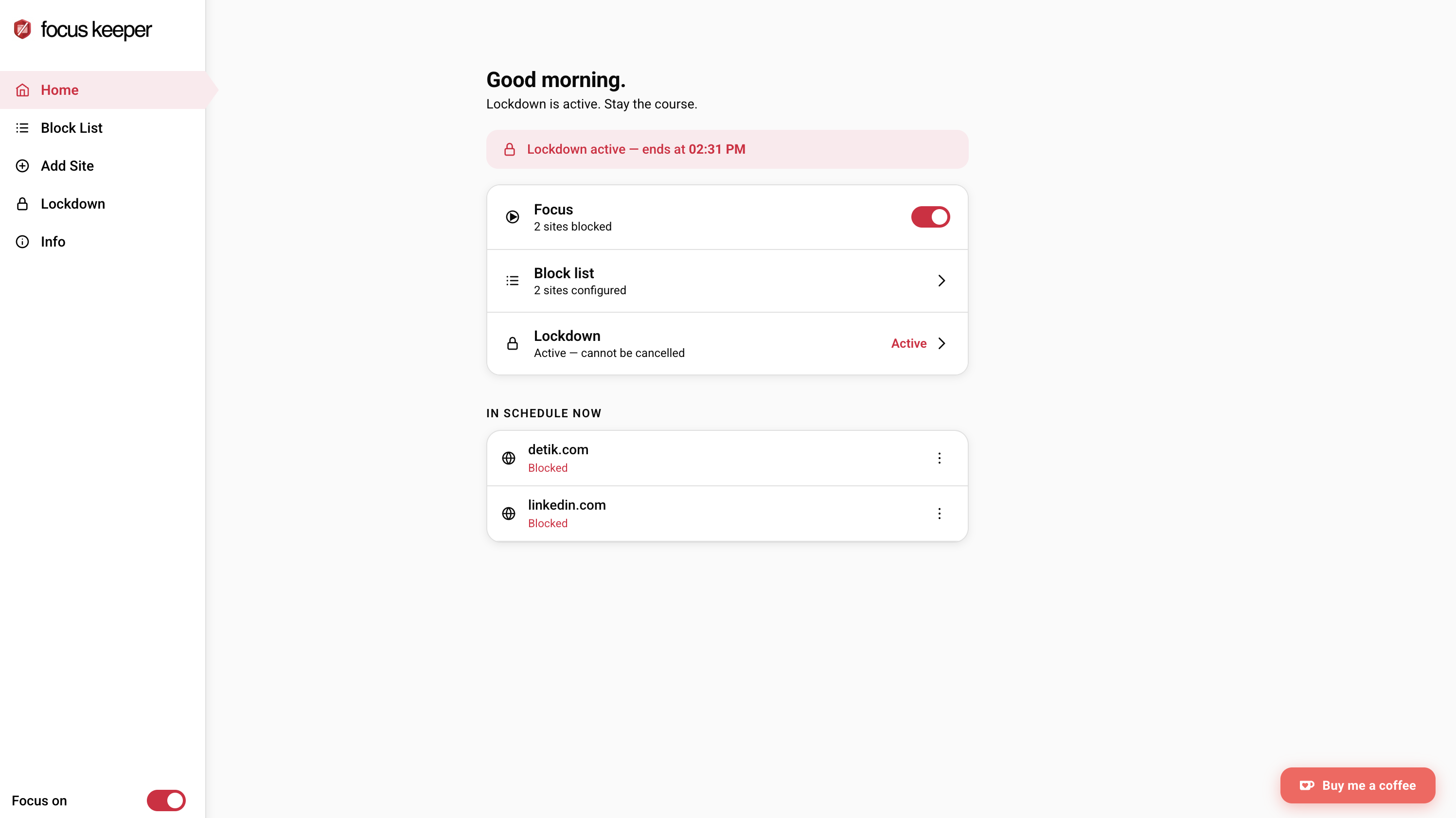
chrome-extension://focuskeeper/popup.html
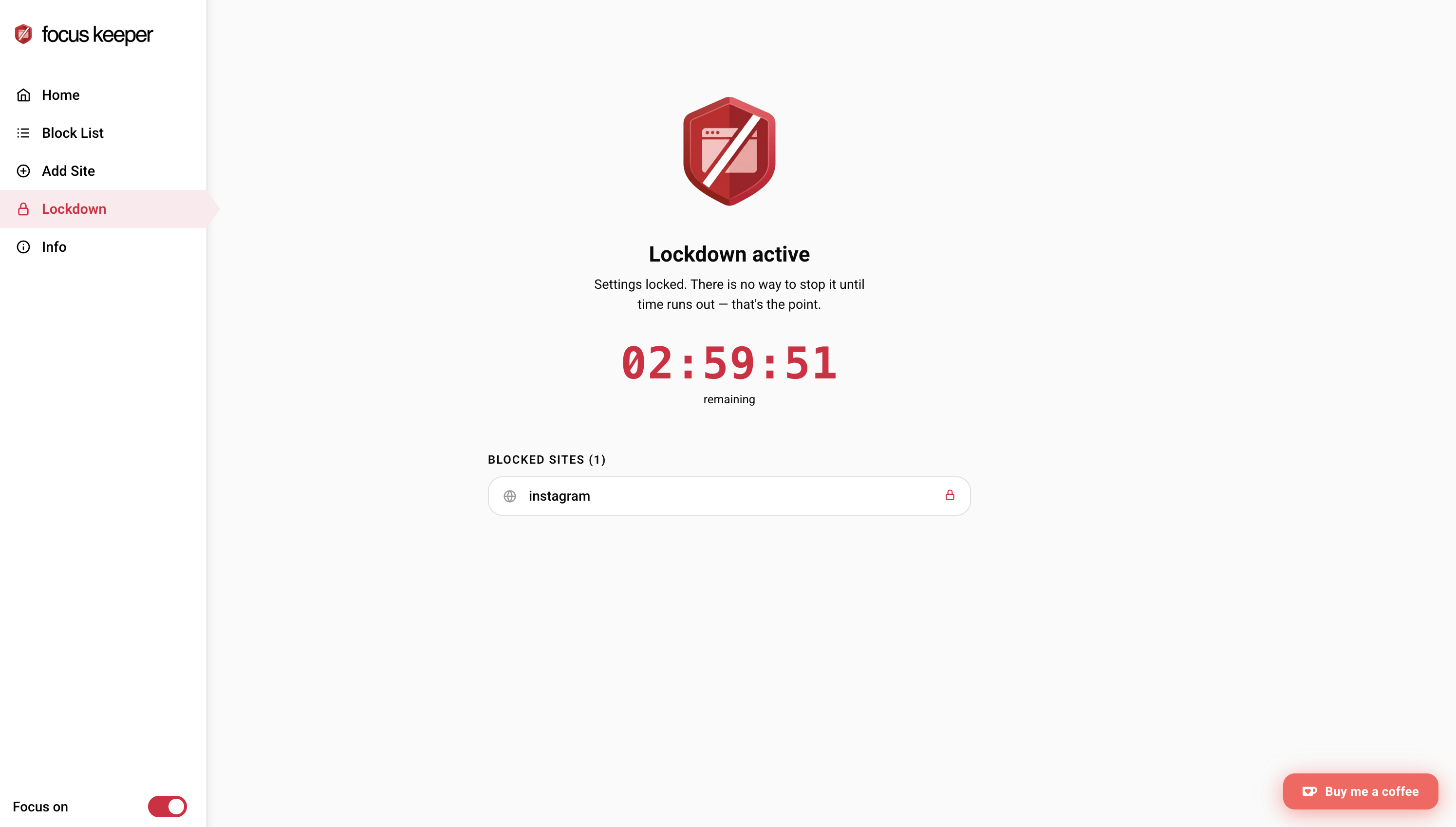
Focus Keeper — home screen
Focus Keeper — popup
Focus Keeper — lockdown mode
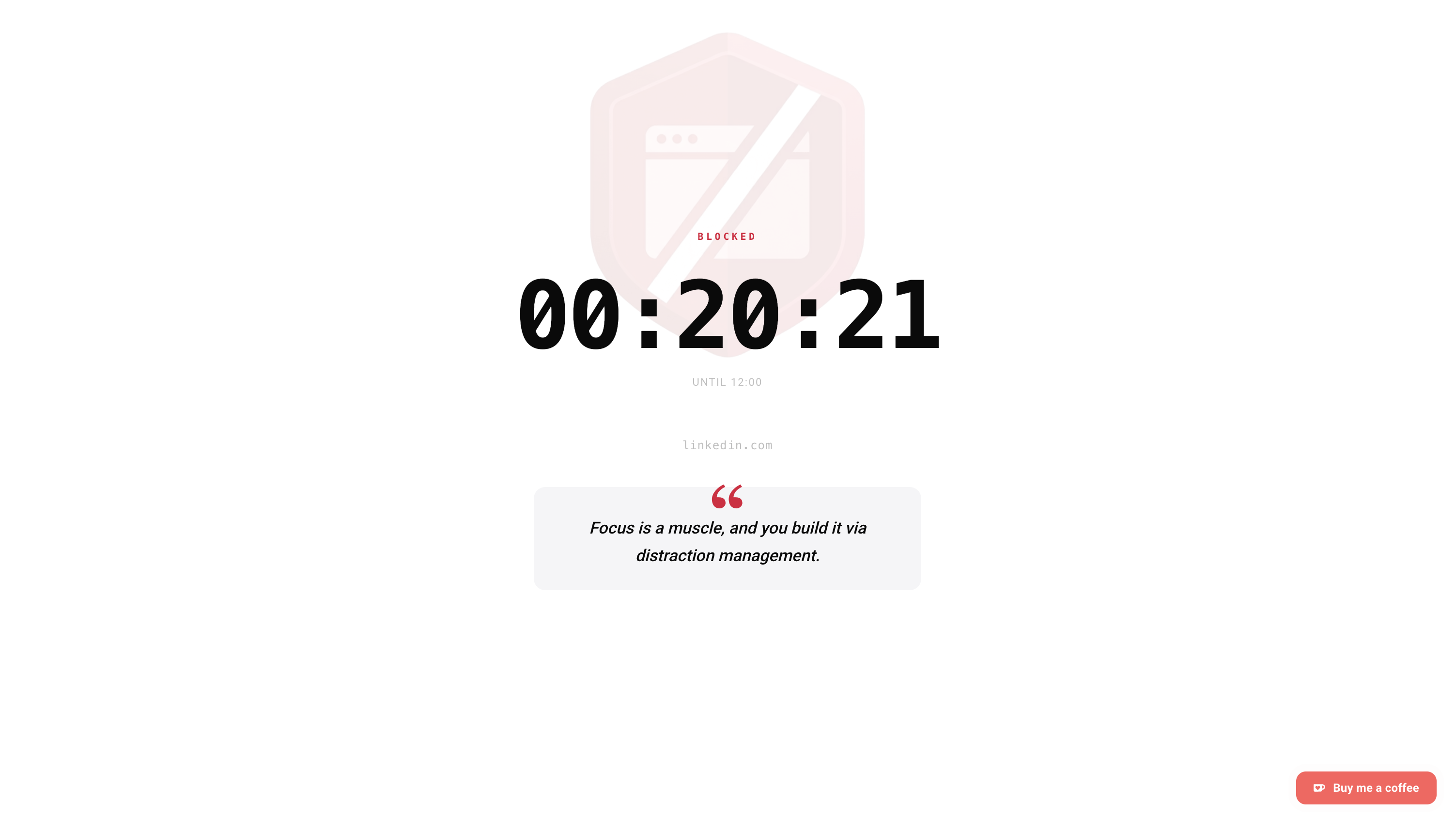
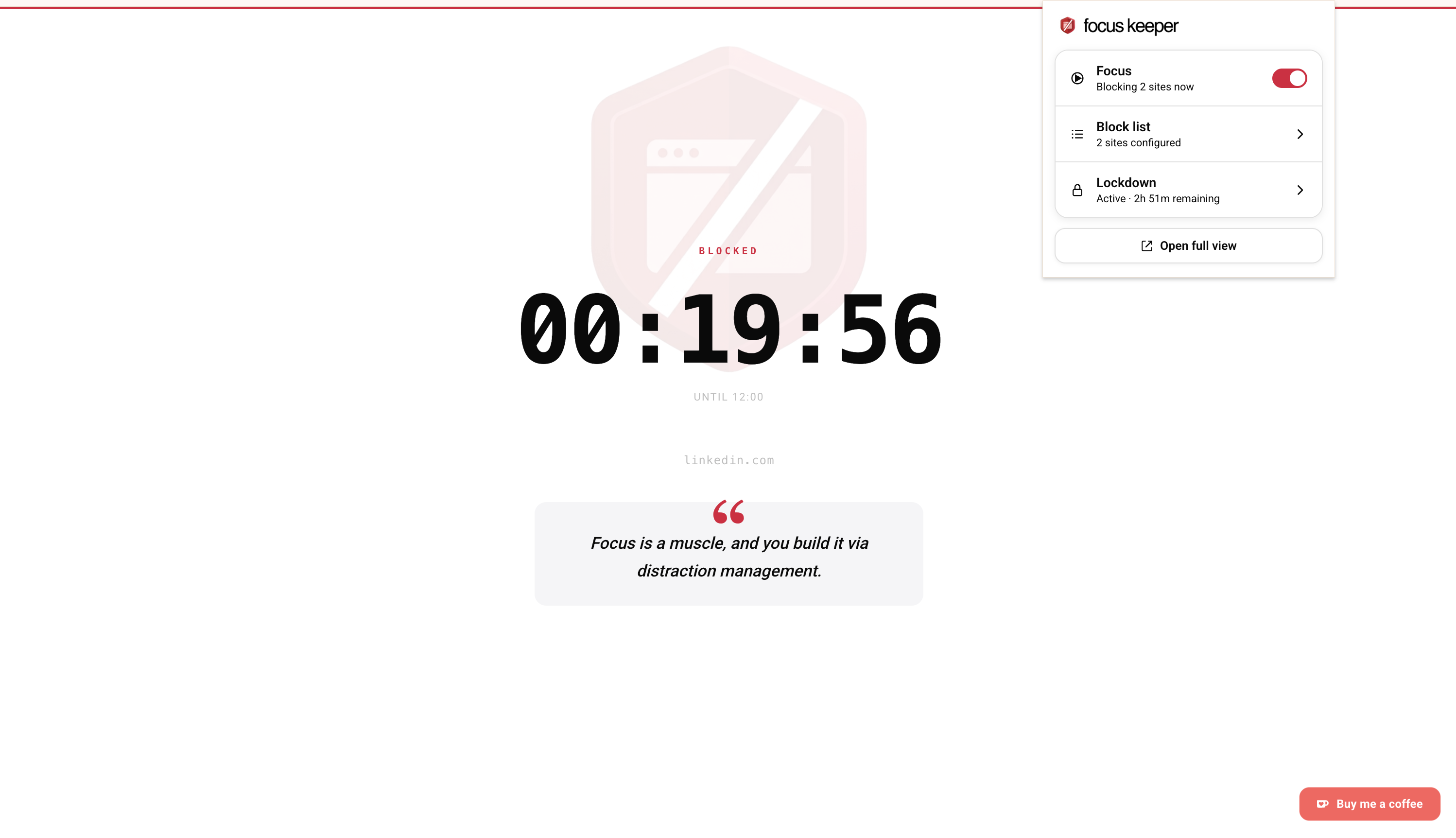
Focus Keeper — blocked page
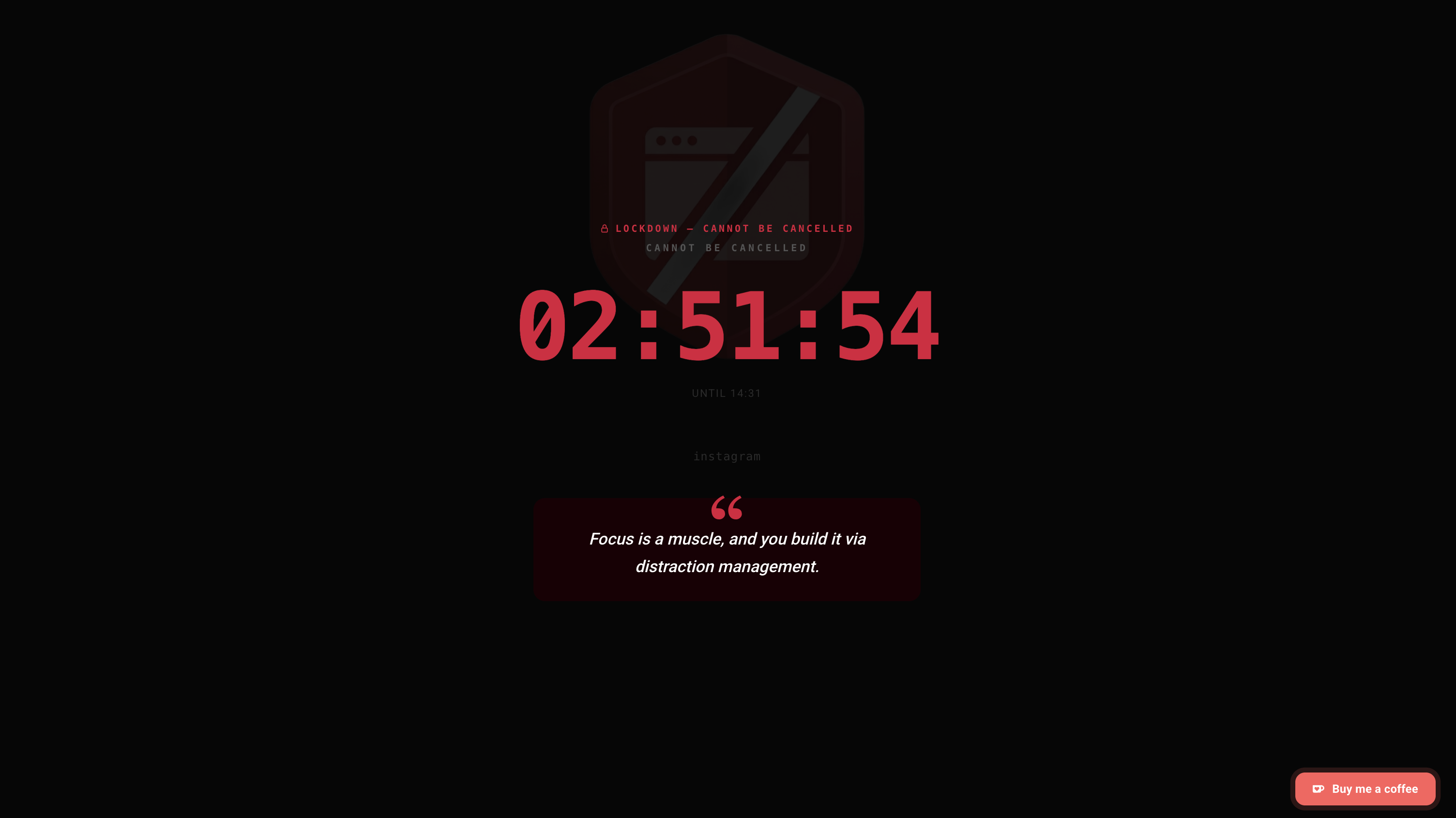
Focus Keeper — blocked lockdown page
1 / 5
"You open Chrome to do one thing. Forty-five minutes later, you're reading about the history of mayonnaise. Again."

Willpower is a finite resource. It depletes. It gets overridden by boredom, anxiety, and the fact that your brain is wired to seek novelty — not deadlines.

The solution isn't motivation. It's removing the option entirely. When the tab can't load, you can't open it.

Feature 01

Nuclear option.
For when you really
mean it.

Activate Lockdown Mode and Chrome becomes a productivity tool, not a distraction machine. Every site is blocked — except the ones on your whitelist. No bypass. No snooze button. No "just five more minutes." When your session ends, access returns automatically.

1. Open the extension — click Lockdown
2. Set your session duration
3. Chrome now only shows your work sites. That's it.

Feature 02

Your distractions
have a schedule.
So should your blocks.

Add the sites you know will derail you, then tell Focus Keeper when to block them. It runs silently in the background — no daily reminder to "turn it on", no willpower required. Monday at 9am, the block starts. Friday at 6pm, it lifts.

MON TUE WED THU FRI SAT SUN 8am 10am 12pm 2pm 4pm ACTIVE Blocked Open

Everything included

No subscriptions.
No upsells.

  • Blocklist per session
  • Non-judgmental block page
  • Dark mode
  • Scheduled blocking (daily)
  • Custom block messages
  • Zero data collection